Order, pay, collect. Built for the lunch queue.
For cafes, bubble tea, bowl shops and takeaway counters. Guests order at the counter, at a kiosk or on their own phone, pay first with PayNow or card, and watch for their number on the pickup screen. The kitchen only starts once it’s paid.
How counter service works
- 01
Order anywhere
At the counter with staff, at a self-order kiosk, or on the guest’s phone from a QR code on the wall.
- 02
Pay first
PayNow, cards, Apple Pay, GrabPay, WeChat Pay and more on the guest’s phone through your HitPay account, or cash and card at the counter.
- 03
Then the kitchen starts
Only paid orders reach the kitchen screen or printer, each with its queue number.
- 04
Collect by number
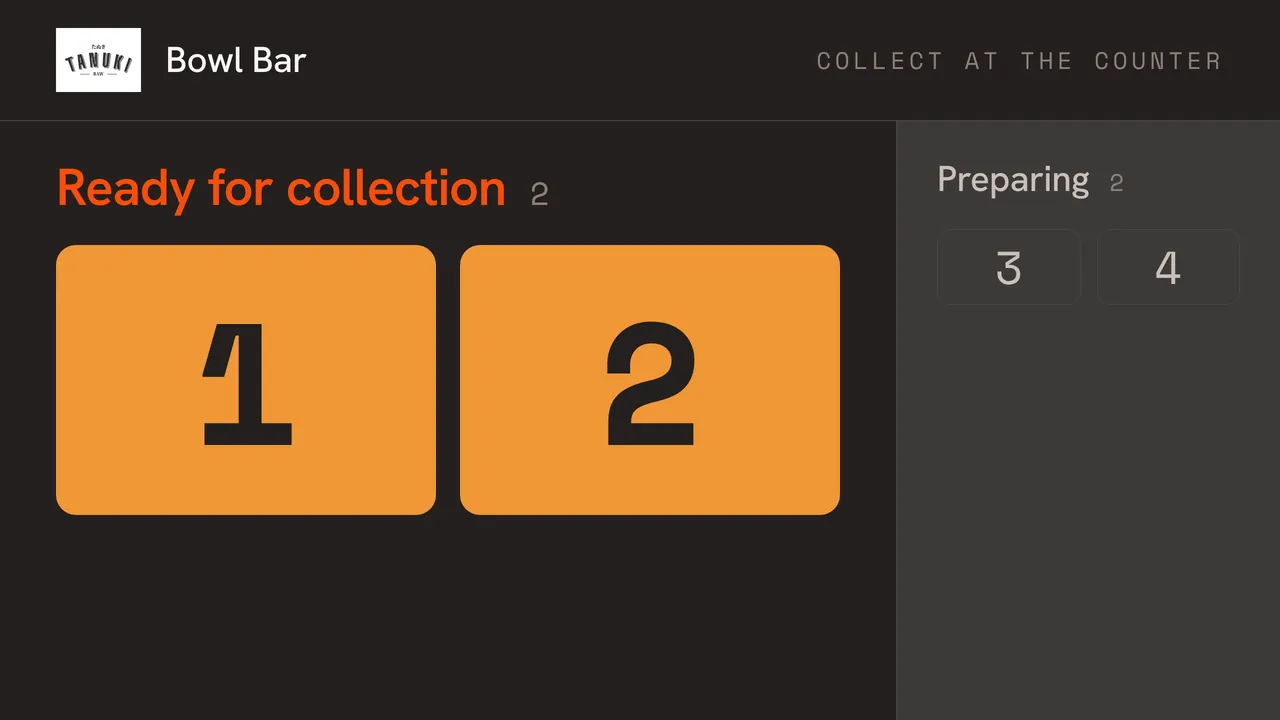
The pickup screen moves the number from Preparing to Ready, and staff mark it collected.
Order at the counter, collect at the counter
Real screens from the app, set up with our own restaurant’s menu and photos.
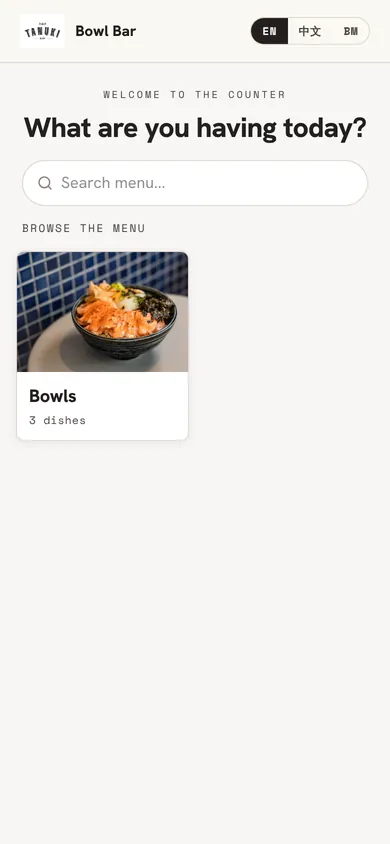
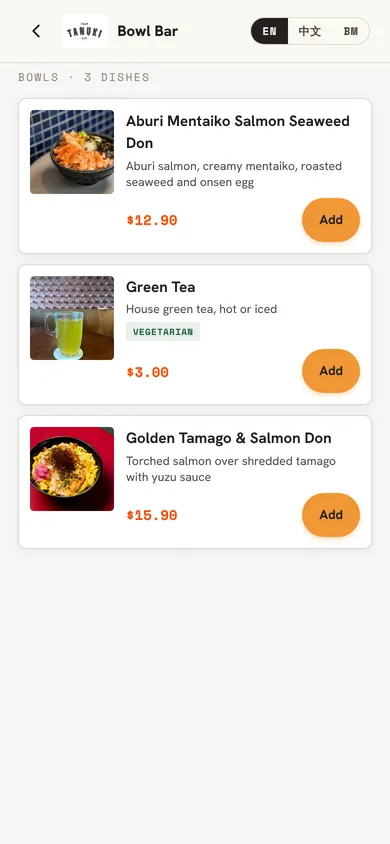
Scan the counter QRGuests open your menu from a QR code on the counter or along the queue. Pick from photosEvery bowl and drink with its photo, price and choices.
A pickup screen on any TVOrder numbers move to Ready when the kitchen finishes, so guests know when to collect. 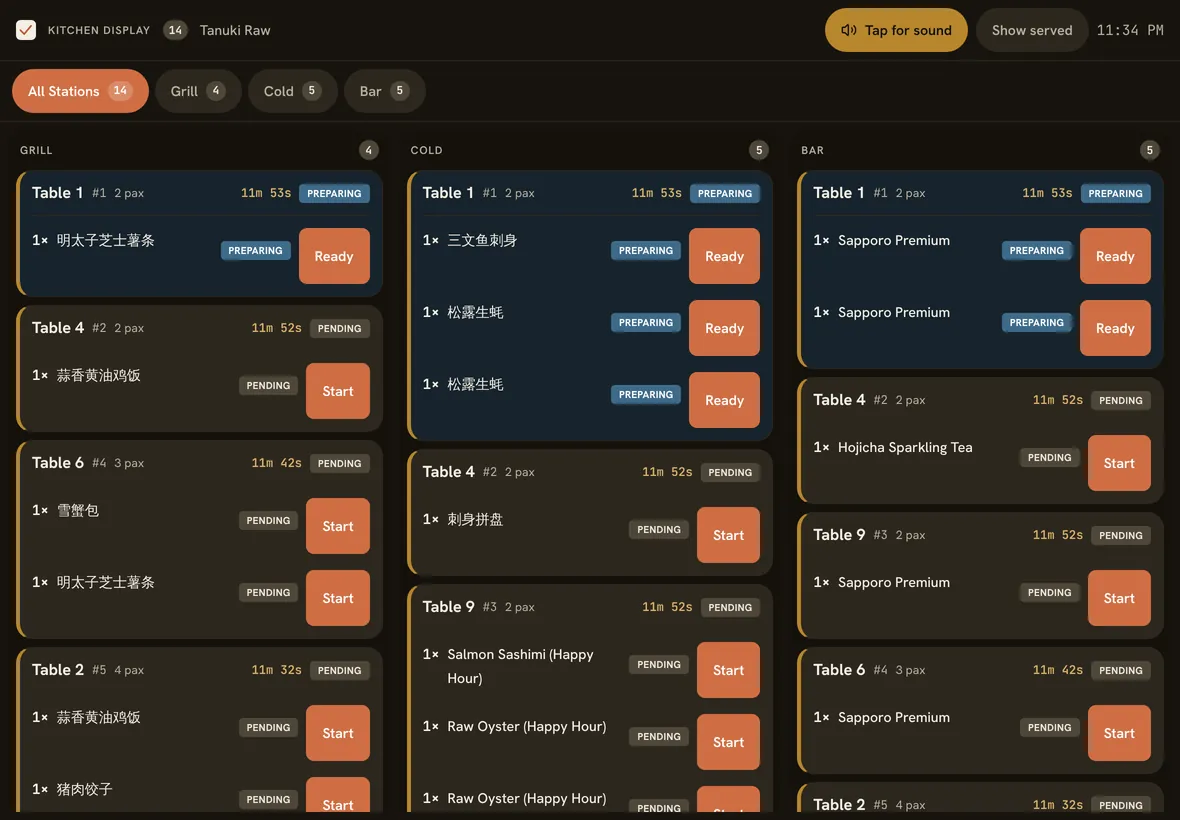
Pay first, then cookThe kitchen gets the order only once it is paid, so no food goes out unpaid.
Made for speed at the counter
Counter mode
Switch an outlet to counter service: no tables, an order queue instead, and a daily queue number on every order.
Self-order kiosk
Put an iPad on the counter in kiosk mode. Guests order, then scan a QR to pay on their own phone.
Pickup screen
Show preparing and ready numbers on any TV or tablet with a browser.
Paid before it’s made
Nothing reaches the kitchen unpaid, so no drink is made for someone who walked off. Unpaid orders cancel themselves after 2 hours.
Options and build-your-own
Sugar and ice levels, add-ons, build-your-own bowls and set meals. Sold-out options disappear at once.
Takeaway QR for restaurants
Running a sit-down restaurant? Add a Takeaway QR: every order is takeaway, paid first, with no service charge.
Where the Takeaway QR came from
Eat 3 Cuts, a roast duck shop on the POS, used to ring every takeaway through one shared “Takeaway” table. Customers ended up on one bill, and takeaway picked up service charge. Now each takeaway order is its own order with its own number, paid first, with no service charge.
Good to know
- Guests paying on their own phone needs your HitPay account. Without one, guests can still order by QR and pay at the counter.
- Qlub pay-at-table works on dine-in tables only. Counter and Takeaway QR orders are paid through HitPay or at the counter.
- The kiosk, phone ordering and pickup screen need the internet.
- Grab and foodpanda orders aren’t pulled in. There’s no delivery-app integration yet.
- Card terminals aren’t integrated. Take cards on your own terminal and record them.
Straight answers.
Can staff take orders at the counter too?
Yes. “New counter order” on the POS takes an order and goes straight to payment, with the same queue numbers as kiosk and phone orders.
What if a customer wants to change their order?
Before paying, they can scrap the order on their phone and rebuild it from the menu. Once it’s paid, staff handle changes.
Is it right for a hawker stall or small kiosk?
It runs on one iPad and one printer, for S$60 a month. PayNow on the guest’s phone goes through HitPay at their rates. The free trial is the easiest way to see if it fits.
Can guests choose dine-in or takeaway?
Yes, on a counter-service outlet guests pick one when they order. On a sit-down restaurant, the Takeaway QR is always takeaway.
Also on Nice Work POS
Order and pay at the table
Guests pay by PayNow or card on their phone, and the table clears itself.
QR code ordering
Guests order rounds from their own phone, straight to the kitchen.
Low-cost POS
S$60 a month, every feature, and no cut of your sales.
Serve your next queue faster.
30 days free, no card, set up in an afternoon. S$60 per outlet per month after, or S$50 a month billed yearly.